
Visual builder
Compose triggers, conditions, branches, actions, waits and completion nodes.
Model intake, classification, customer identification, priority, SLA, routing, documents, approvals, resolution and feedback in a visual workflow.
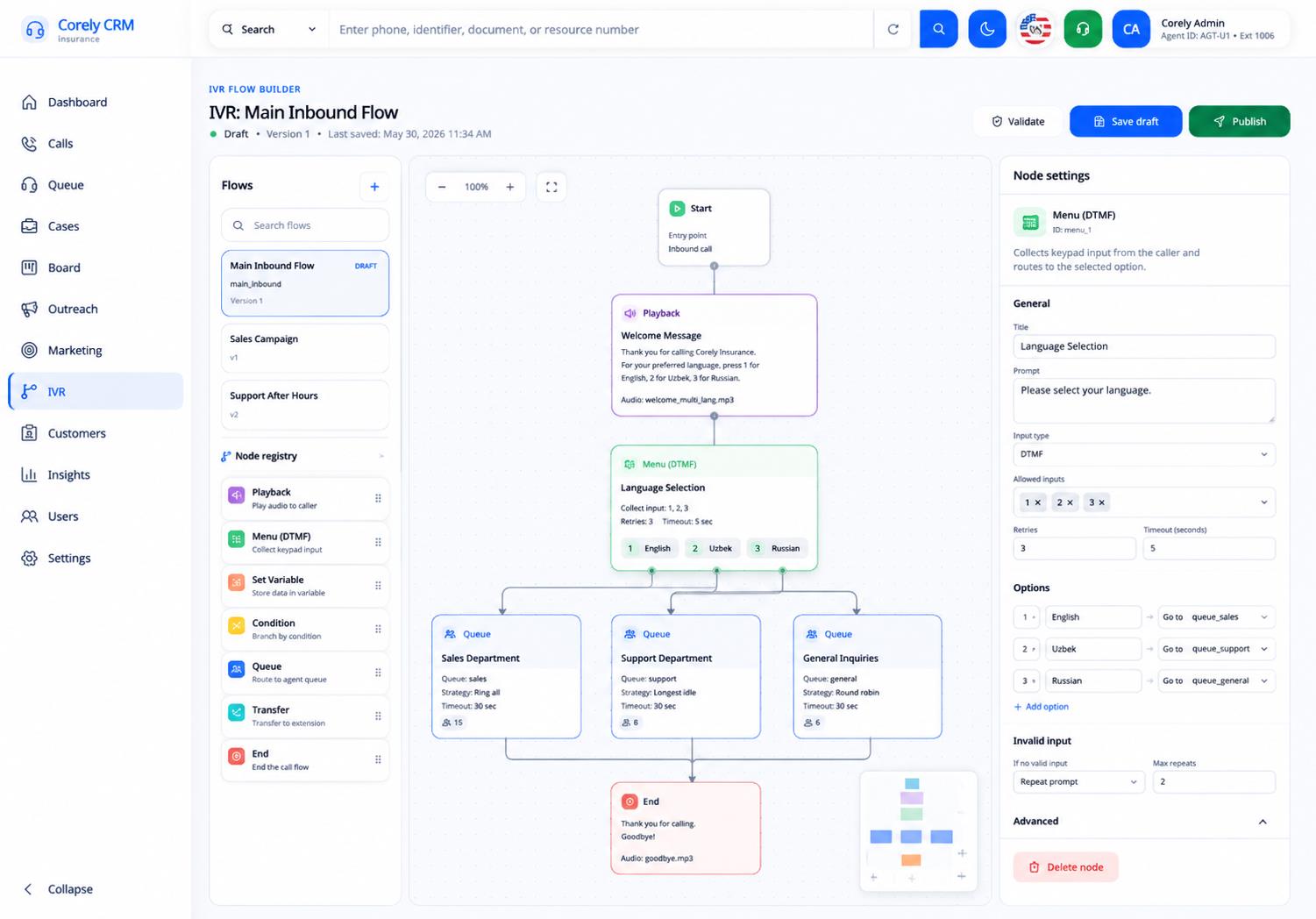
Each capability stays connected to customer context, ownership and the rest of the platform.
Compose triggers, conditions, branches, actions, waits and completion nodes.
Create repeatable patterns for missing documents, status changes and SLA risk.
Pause a workflow until the authorised decision has been recorded.
Use approved APIs or webhooks with clear retry and failure handling.
Separate draft and published versions and retain an audit history.
Validate routing and conditions before a workflow affects live operations.
Capture the request and identify the customer.
Classify, prioritise, set SLA and route to the correct team.
Request documents, complete tasks and collect approvals.
Update the customer, close the case and collect feedback.
Workflow changes need permissions, testing, draft and published states, monitoring and a rollback strategy appropriate to the customer's environment.
Explore the integration approachDirect answers, with availability and integration dependencies kept explicit.
The intended experience is visual and configurable. Complex external actions or data transformations may still require technical implementation.
Yes where approval nodes are configured. The workflow can record the requester, approver, decision and outcome.
Governed deployments should separate draft and published versions and test routing, conditions and external actions before activation.
They can where an approved integration exists, with authentication, retry, error handling and permission boundaries defined.
Use a focused Discovery Workshop to map systems, users, data, workflows, deployment and the first measurable release.